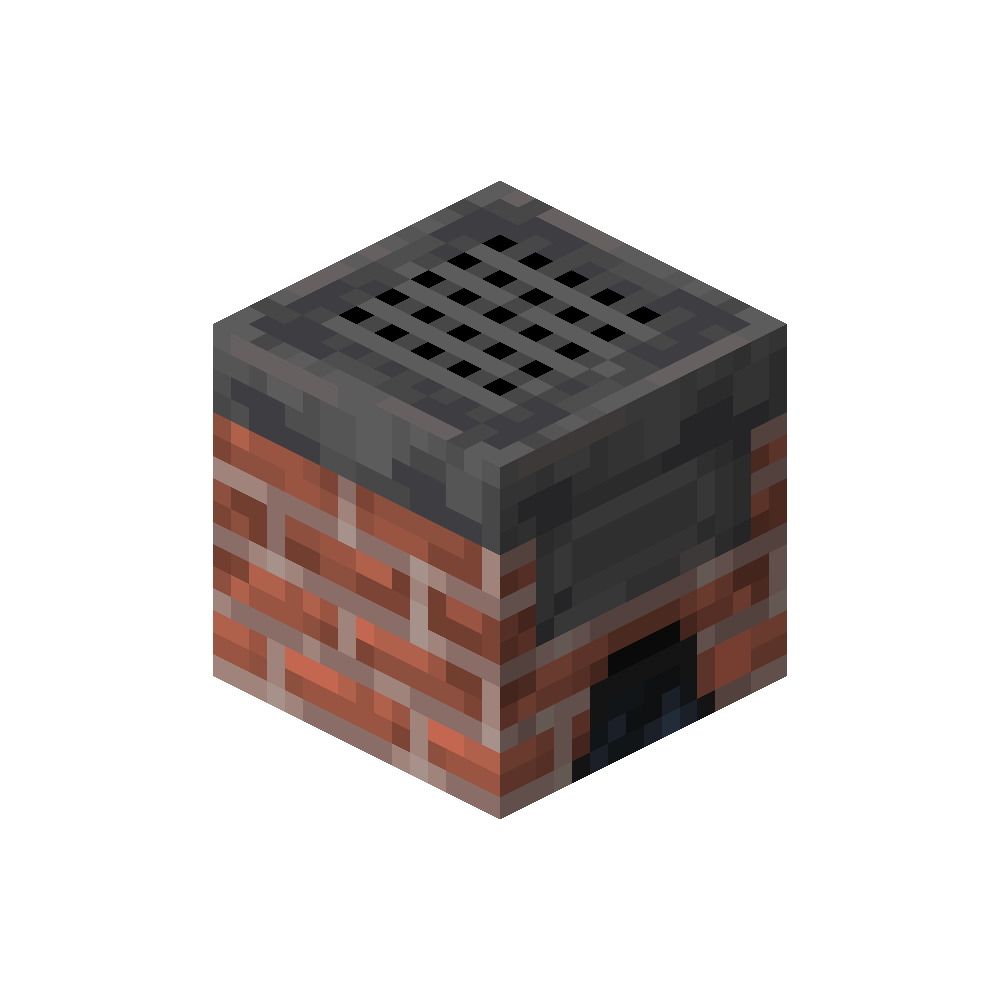
Mincer
farm_and_charm:mincer
A crank-operated Tool for processing various Materials.
Usage
The Mincer is an all-purpose Processing Tool that operates entirely through direct Interaction and does not provide a Graphical Interface.
Valid Items can be inserted by Right-Clicking the Mincer. Once an Item is inside, the Crank can be operated by targeting the Mincer and holding the Right Mouse Button.
The Processing Process is indicated through the Crank Animation, Particles, and Sound Effects. Once fully processed, the resulting Item exits through the Opening at the Bottom of the Mincer.
Processing Time depends on the Material being processed. Meat is processed almost instantly, while harder Materials such as Wood or Iron require more time. The Processing Speed can be increased by holding another Item of the same type in your Hand while cranking.
Valid Items can be inserted by Right-Clicking the Mincer. Once an Item is inside, the Crank can be operated by targeting the Mincer and holding the Right Mouse Button.
The Processing Process is indicated through the Crank Animation, Particles, and Sound Effects. Once fully processed, the resulting Item exits through the Opening at the Bottom of the Mincer.
Processing Time depends on the Material being processed. Meat is processed almost instantly, while harder Materials such as Wood or Iron require more time. The Processing Speed can be increased by holding another Item of the same type in your Hand while cranking.
- No Interface, operates through direct Interaction
- Insert Items via Right-Click
- Operate the Crank by holding Right Mouse Button
- Processing is shown through Animation, Particles, and Sounds
- Output exits at the Bottom
- Processing Time varies by Material
- Holding an additional Item increases Processing Speed