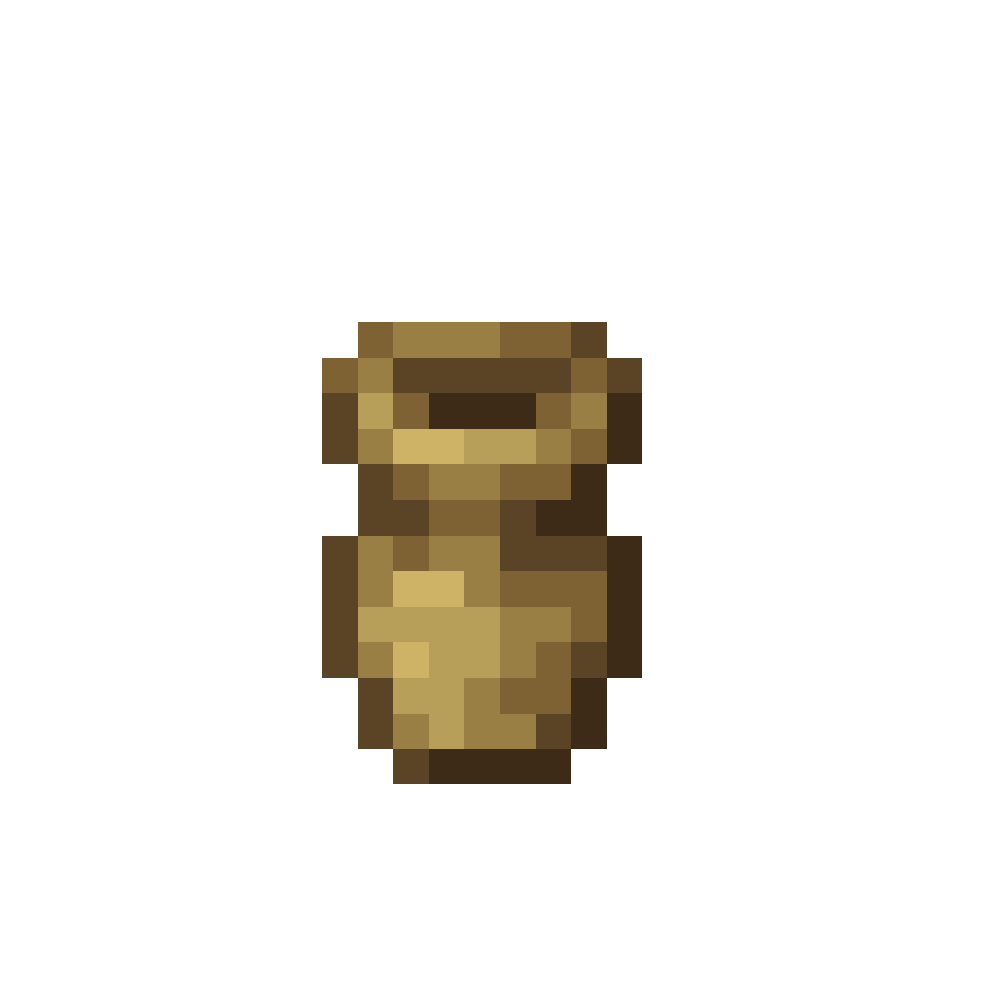
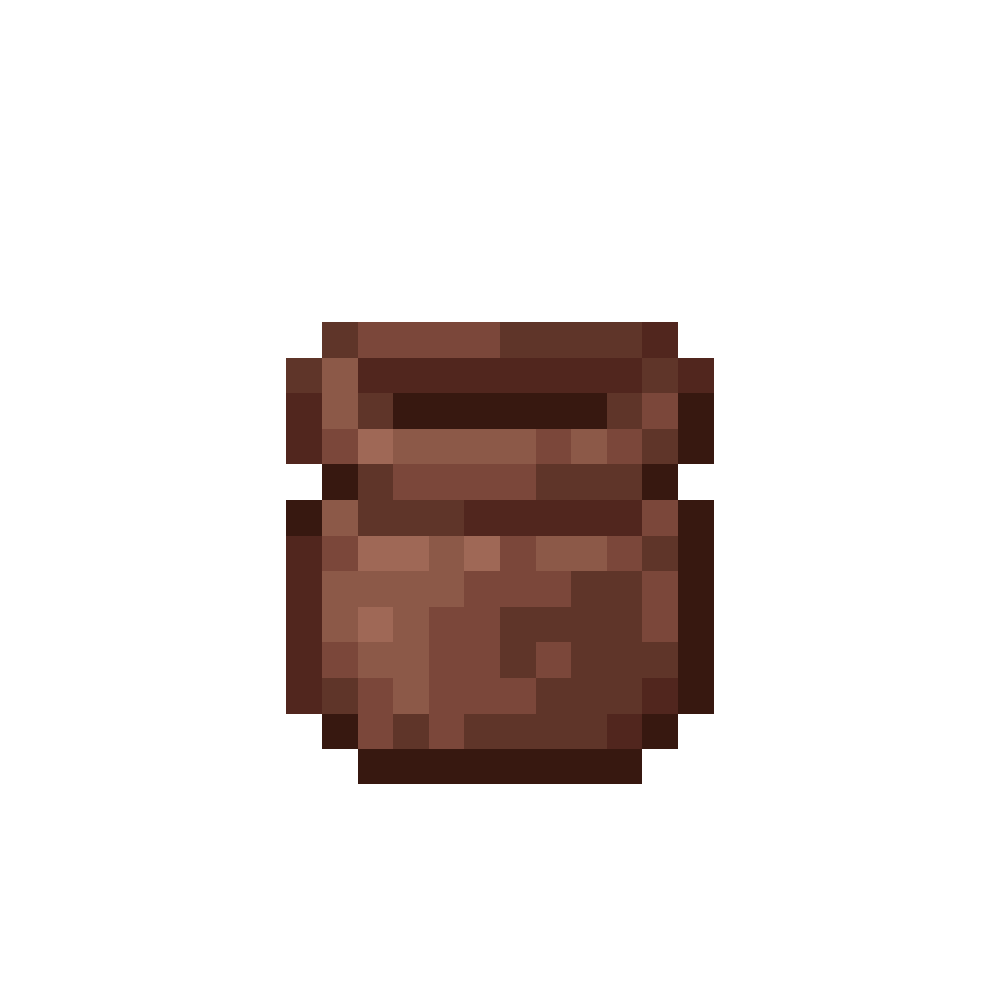
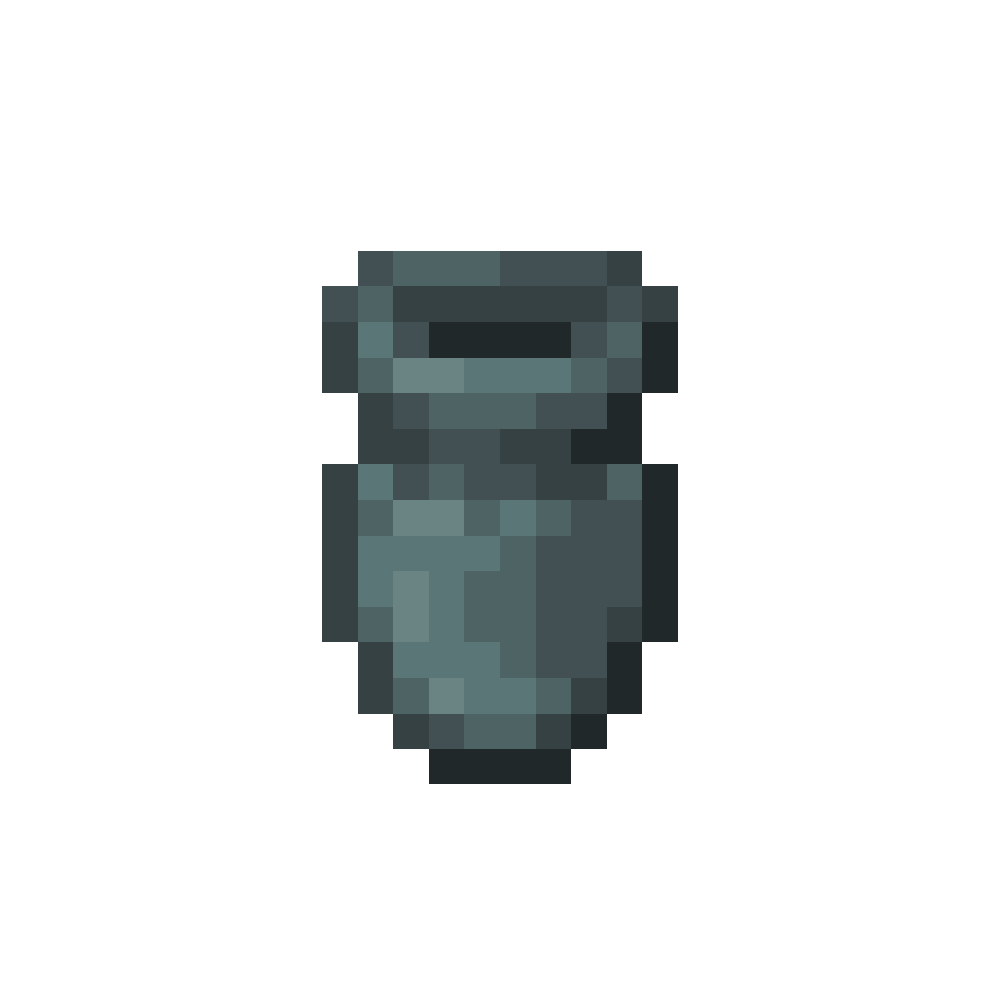
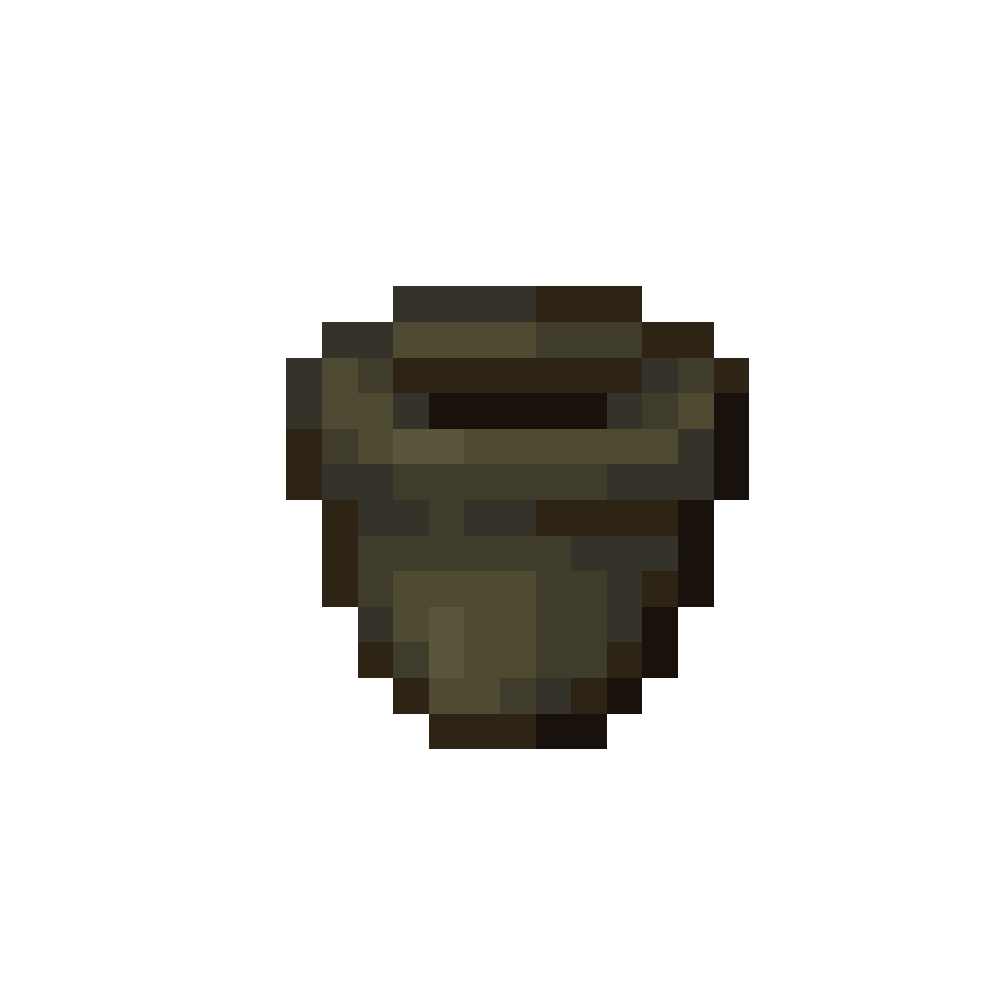
This is your home for blocks, items, mechanics, and quick guidance for Pottery.
Pottery focuses on working with clay, shaping ceramic storage and decor, and firing finished pieces in dedicated stations. Color and dye modifiers can be used to tint finished pieces, and many pottery blocks support painted states for extra visual variety.
Stations and Processing
Workstations and interactive elements used for firing, processing, and finishing pottery pieces.
Pottery Table
lilis_pottery:pottery_table
A shaping Station for turning pottery inputs into finished pieces, with a recipe selection list.
Usage
The Pottery Table works similarly to other Crafting Stations.
It has one Input Slot and one Output Slot, and provides a recipe selection list based on the inserted Item.
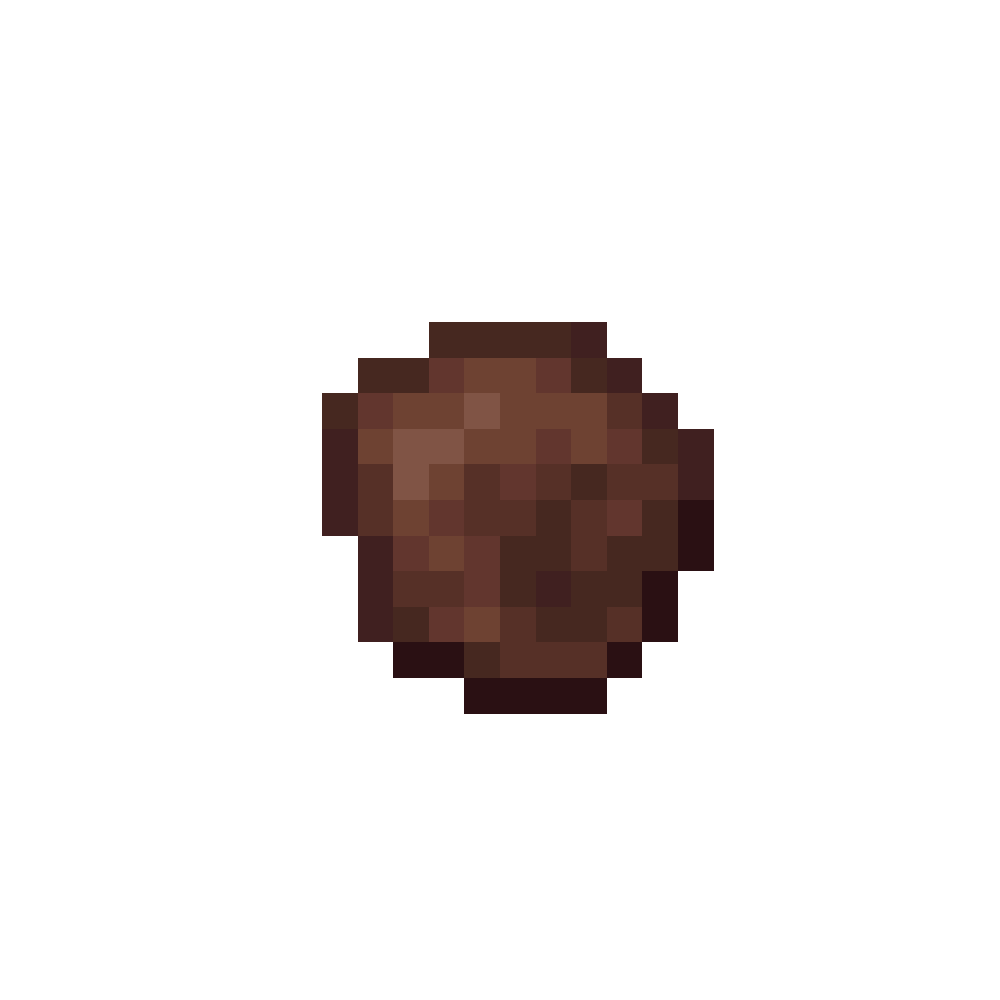
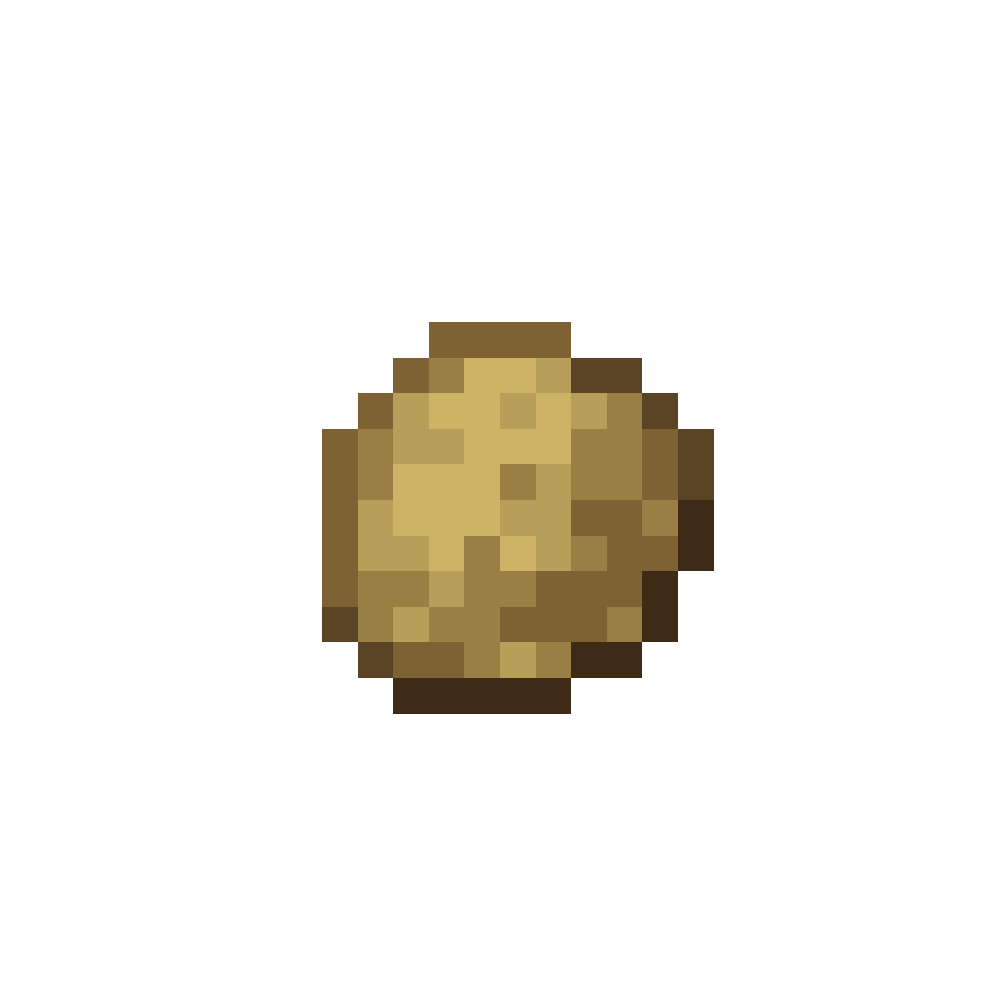
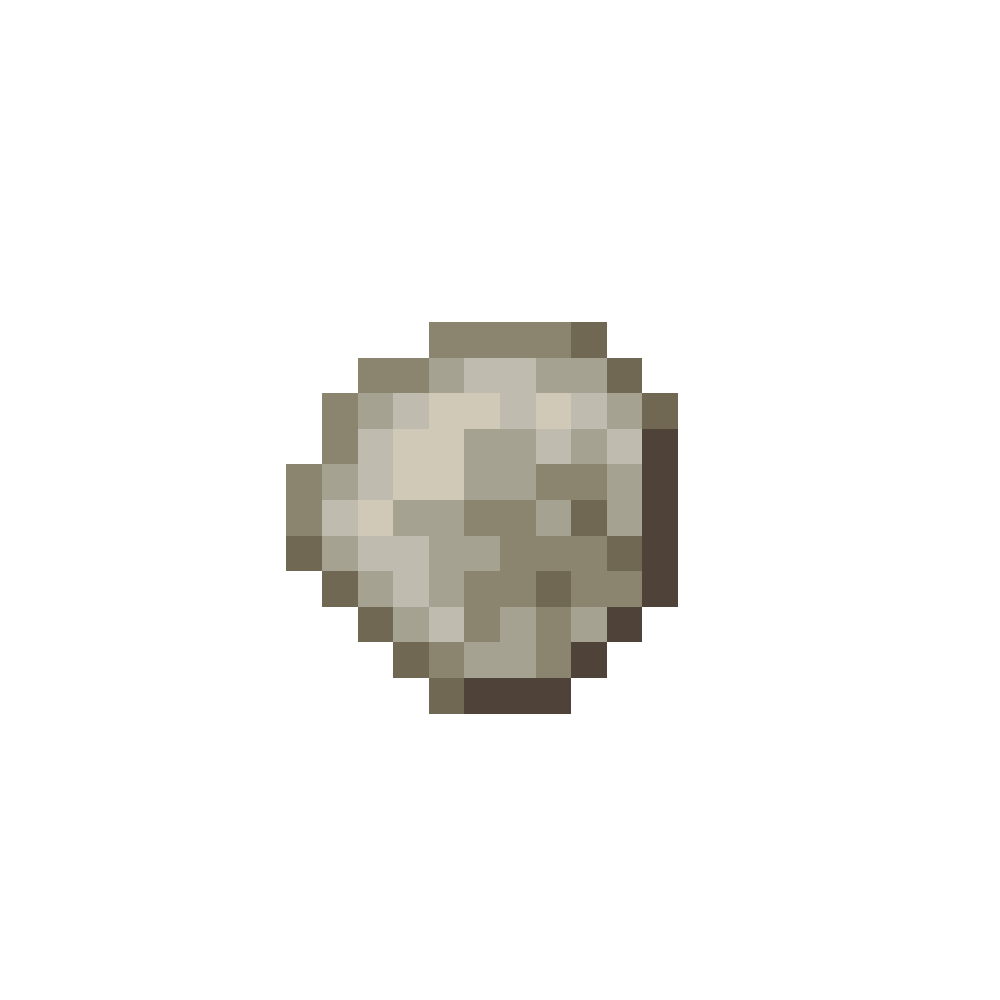
Recipes usually use Clay Balls as their input. Place a Clay Ball into the Input Slot to populate the recipe list. Select a recipe to preview the output, then take the finished Item from the Output Slot to consume the input and craft the result.
The Interface behaves similarly to a Stonecutter: it shows a scrollable recipe grid, highlights the selected recipe, and plays a sound when taking the result.
One Input Slot and one Output Slot
Recipes usually use Clay Balls as their input
Selecting a recipe updates the Output Slot
Crafting consumes one Input Item when taking the result
A hot firing kiln used to burn patterns and colors permanently into pottery.
Usage
The Kiln works similarly to other Crafting Stations.
It has one Base Input Slot, one Modifier Slot, one Fuel Slot, and one Output Slot.
Place a valid pottery Base Block into the Base Slot, optionally add a Dye as a Modifier, then insert a valid Fuel Item to start the Firing Process. The Kiln will automatically consume fuel, process the recipe, and place the finished result into the Output Slot.
While active, the Kiln lights up and plays furnace sounds. The Interface also shows a live Preview of the finished Block, including dye tinting and painted states.
One Base Input Slot, one Modifier Slot, one Fuel Slot, and one Output Slot
Base Slot accepts pottery storage blocks and urns
Modifier Slot accepts Dyes to tint the result
Powered by any valid Fuel Item
Firing time depends on the selected recipe
Active State is shown by the lit Kiln and furnace sounds
Shows a live Preview of the finished Block in the Interface
Fired pottery materials created by smelting Clay Balls.
Usage
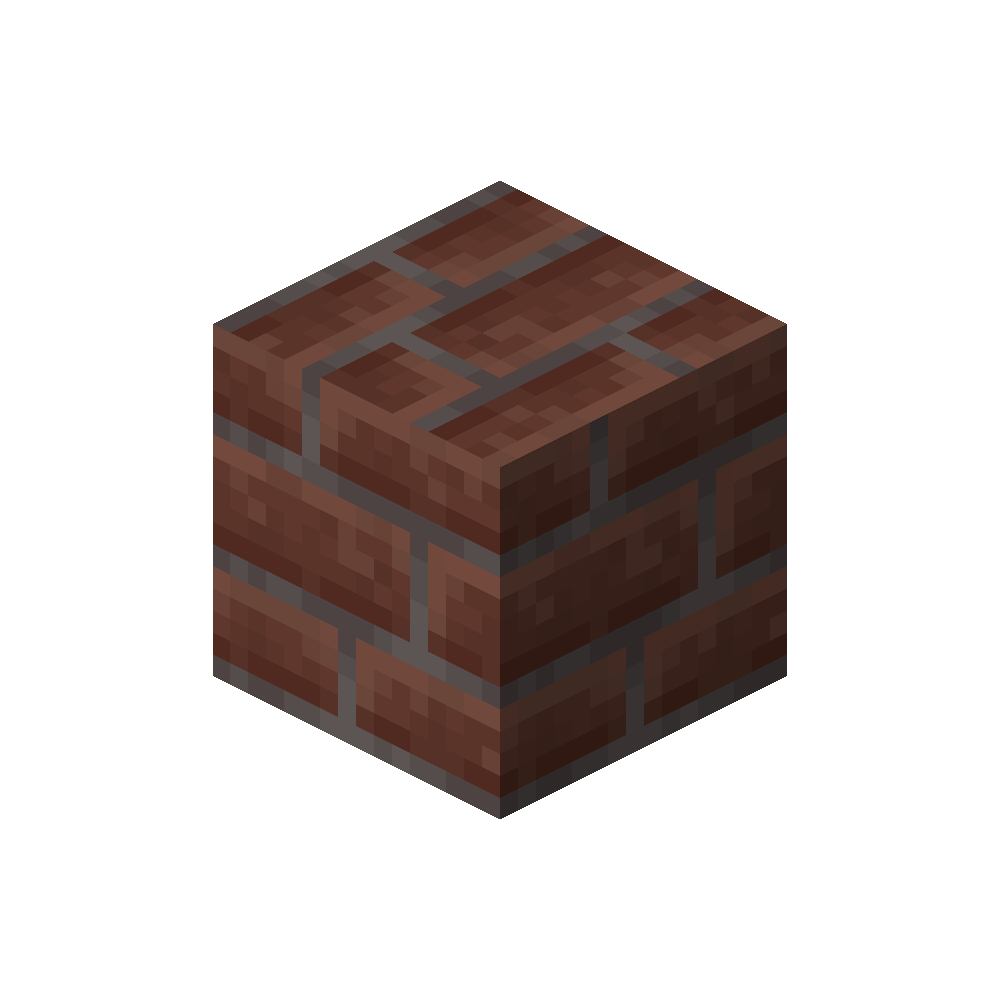
Bricks are refined pottery materials created by smelting Clay Balls in a Furnace.
Place any Clay Ball into a Furnace to fire it into a Brick of the corresponding color. Bricks are used as building materials and as crafting components for various pottery related blocks and decorations.
Obtained by smelting Clay Balls in a Furnace
Each Clay Ball produces a matching colored Brick
Used for crafting pottery blocks and decorative elements
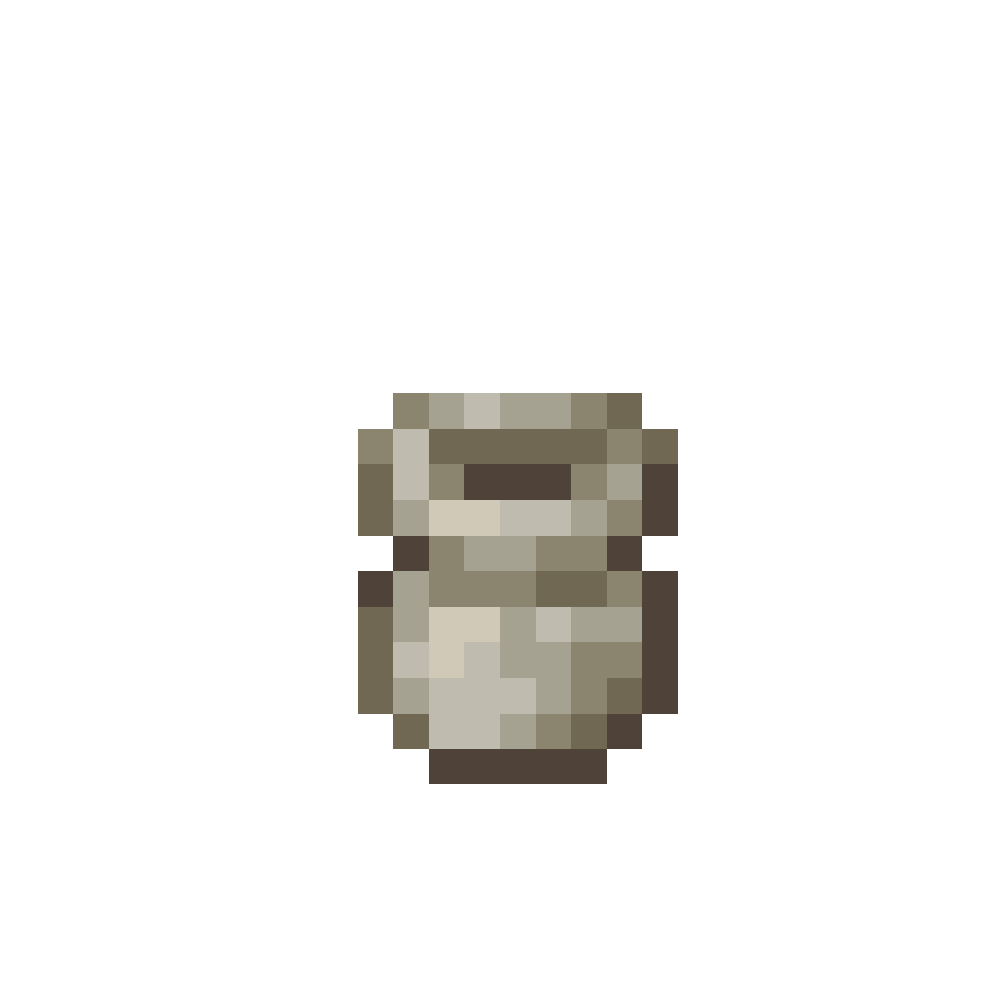
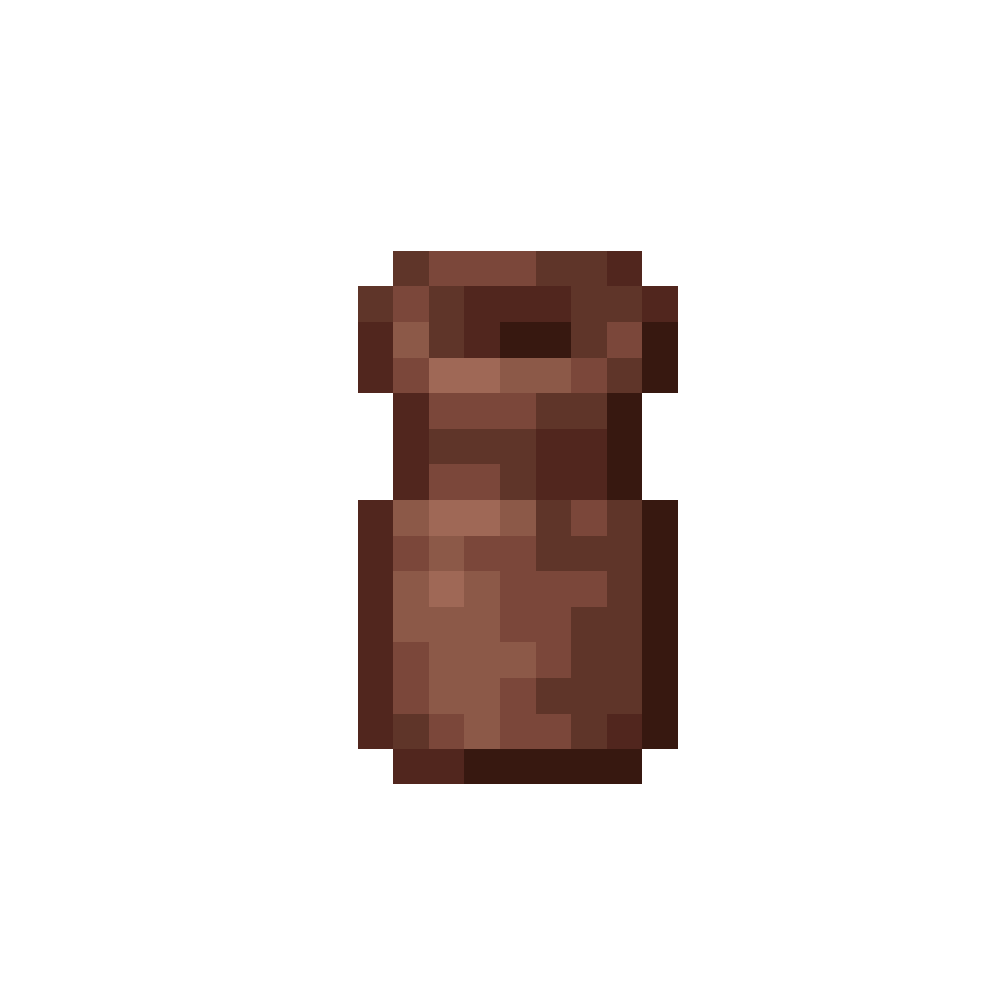
A special pottery piece that protects your belongings after death.
Usage
Urns are special pottery blocks with a unique purpose.
When a player dies, their items are placed inside a nearby Urn, keeping them safe and neatly stored, as long as there is enough space. This turns the Urn into a calm recovery point instead of scattered drops.
Like other pottery pieces, Urns can be painted and crafted in different colors. If a painted Urn is glazed using Honeycomb, it gains a soft glow and keeps its finished look.
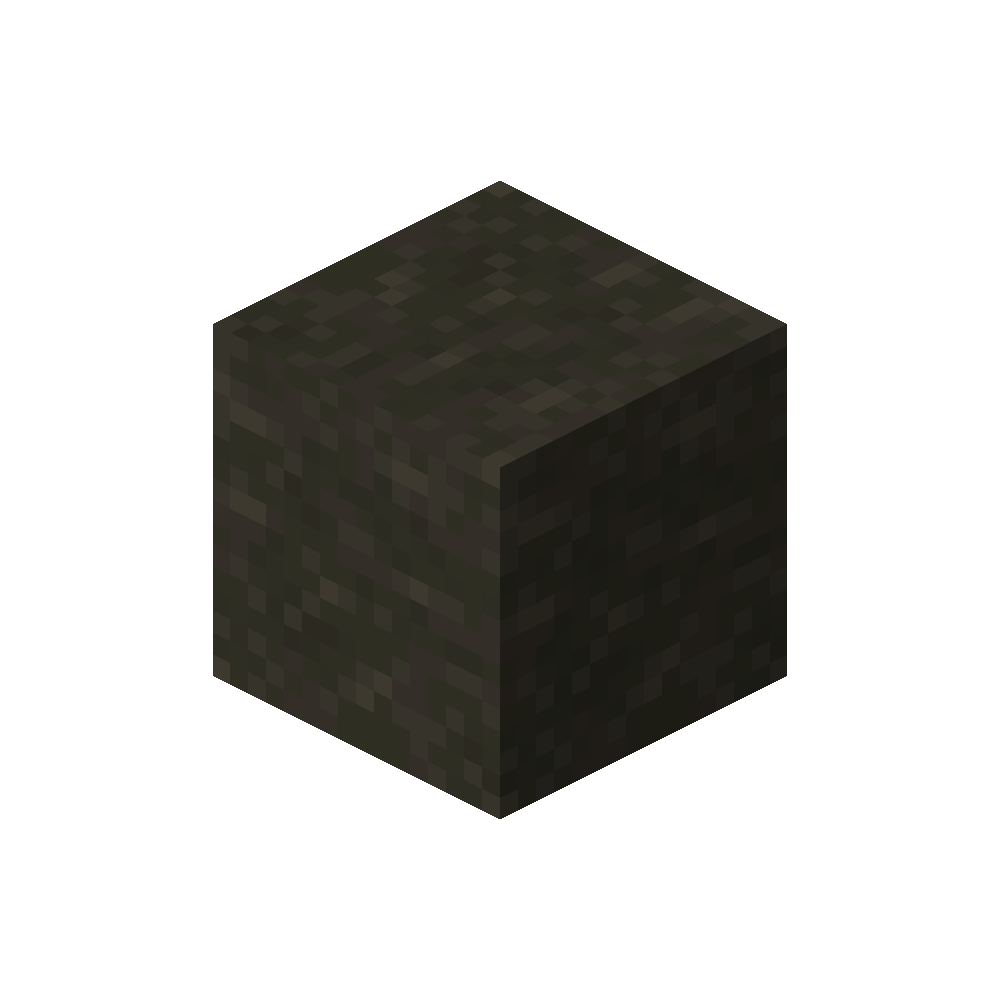
Cool toned clay found in forests, windswept hills, and even deeper underground.
Where to find
Blue Clay generates in Taiga regions, Windswept biomes, and along Rivers. It can also be found in Swamps and Mangrove Swamps, and has an additional deposit type in Lush Caves.
Taiga, Old Growth Pine Taiga, Old Growth Spruce Taiga
Small features that round out the Pottery experience.
Clayworker Villager
A new villager profession centered around clay and pottery.
Clayworker
Pottery introduces a new Villager profession: the Clayworker.
Clayworkers use the Pottery Table as their work station and focus on everything related to clay. They trade Clay, Bricks, and finished pottery pieces, making them a helpful source for both materials and decoration.
Uses the Pottery Table as work station
Trades Clay, Bricks, and pottery pieces
Helpful for building and decoration focused worlds
Experiment with colors and give your pottery a finished look.
Glazing
All pottery pieces can be colored and fired in the Kiln.
Colors can be layered by firing a piece multiple times, allowing you to mix shades and discover unique variations along the way. For a finished look, painted pottery can be glazed using Honeycomb. Glazing only has a visible effect on certain colors and enhances their surface with a subtle sheen.
Each application of Honeycomb increases the glaze strength by 0.25, up to a maximum of 2.0. Once the maximum strength is reached, additional Honeycomb can no longer be applied.
If you want to start fresh, a Brush can be used to remove the color again.
Pottery can be colored and fired in the Kiln
Colors can be mixed through repeated firing
Glazing only affects certain colors visually
Each Honeycomb application adds 0.25 glaze strength