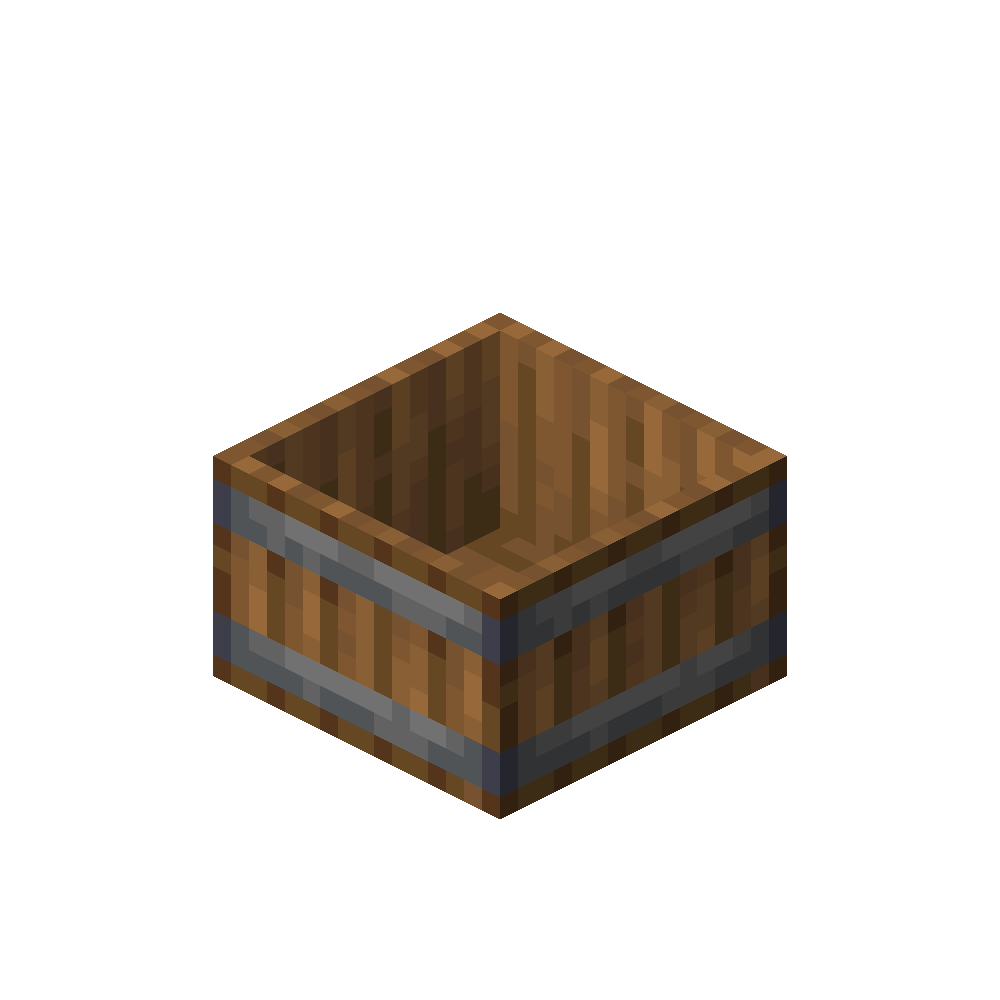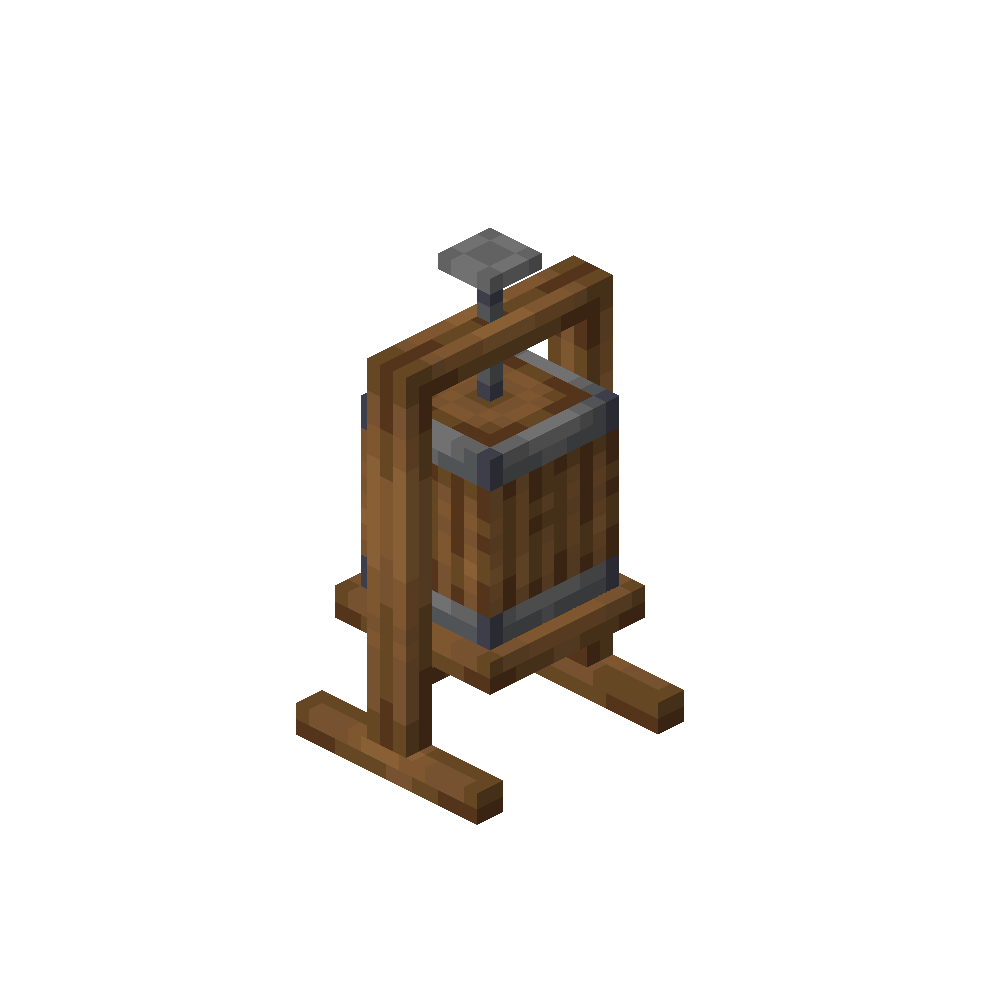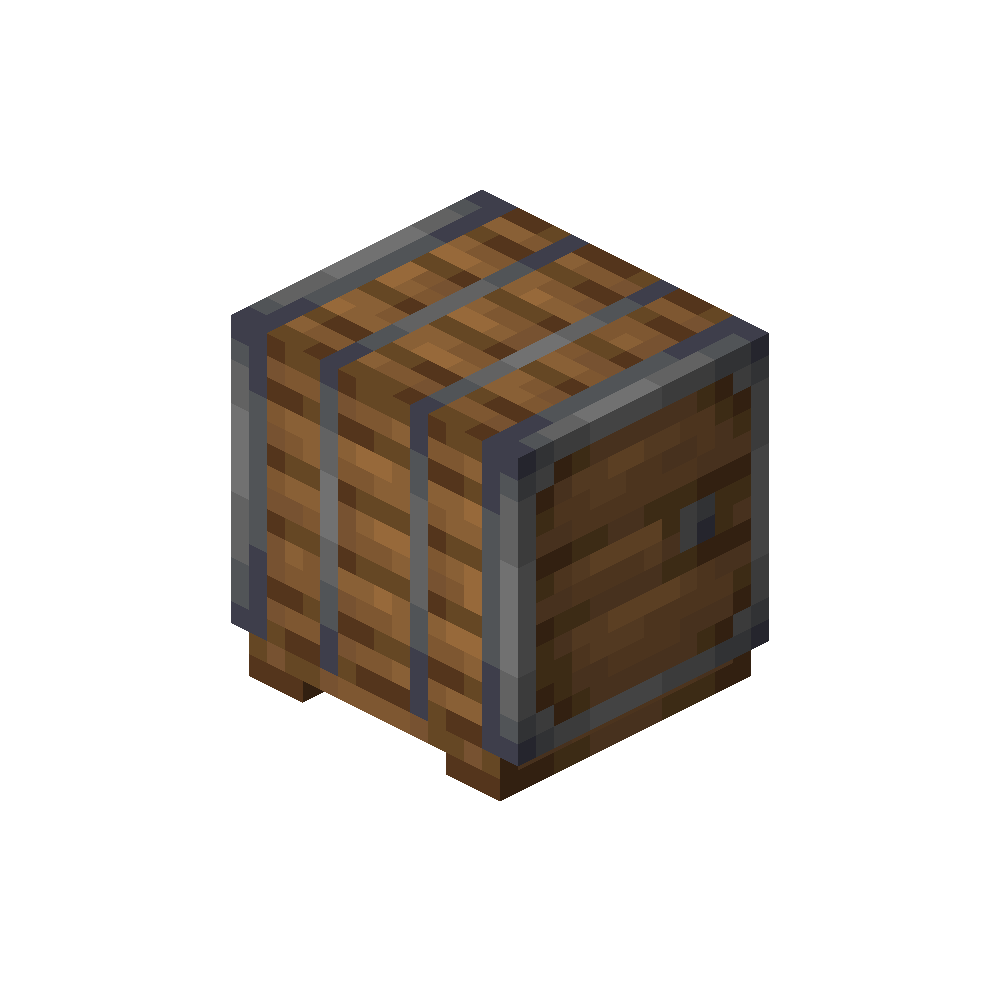
Fermentation Barrel
vinery:fermentation_barrel
Main station for fermenting juice into wine.
Usage
Open the Fermentation Barrel to ferment wine.
Add the required ingredients, insert a container item such as a Wine Bottle, then add the matching juice via the fill slot. Hovering the juice slot shows which juice is stored and how much is left.
When everything is set up correctly, the output slot will produce the finished wine after processing.
To empty the stored juice, shift-right-click the block.
Add the required ingredients, insert a container item such as a Wine Bottle, then add the matching juice via the fill slot. Hovering the juice slot shows which juice is stored and how much is left.
When everything is set up correctly, the output slot will produce the finished wine after processing.
To empty the stored juice, shift-right-click the block.
- Ferments stored juice into wine
- Insert ingredients, then add a container item (for example a Wine Bottle)
- Fill the barrel with the correct juice using the fill slot
- Hover the juice slot to see stored type and amount
- Shift-right-click the block to empty stored juice
- Workstation for Winemaker Villagers